
A Google Business Profile is more than merely a listing; it’s your opportunity to make a strong first impression on the internet. It’s how local customers evaluate your credibility, activity level, and whether you deserve their attention. Incomplete profiles with unclear images and inaccurate operating hours convey a lack of professionalism. Get the fundamentals right, or be prepared to be ignored.
Step 1: Go to Google Business Profile Manager
Head to google.com/business and click “Get Started” You’ll be prompted to log in with your Google account (preferably one tied to your business).
Step 2: Enter Your Business Name
If customers visit your physical location, select “Local store”. This ensures your business shows up on Google Maps.
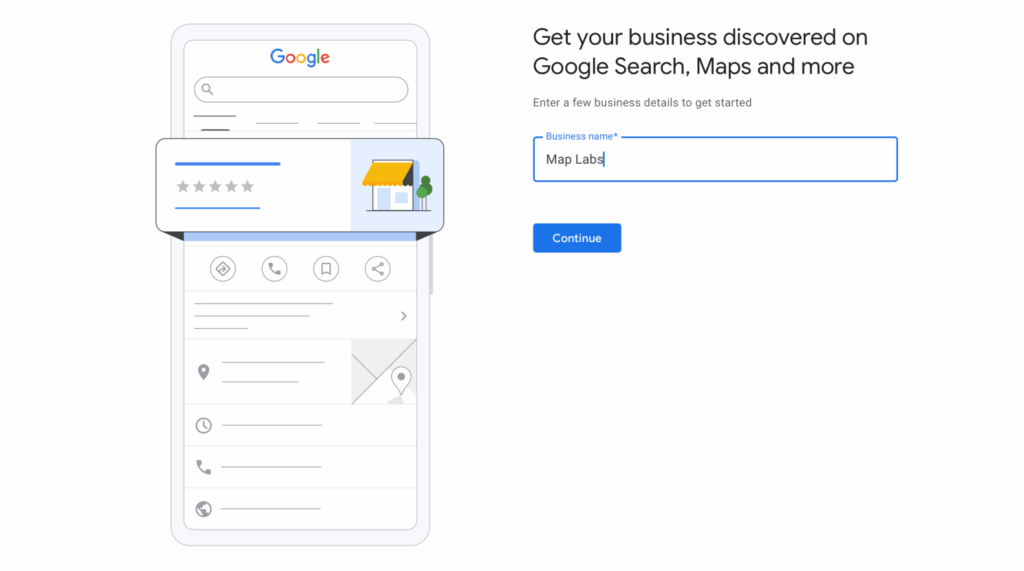
Tip: Be consistent. Use the exact same business name you use on your storefront signage, website, and other directories.
Step 3: Choose Your Business Type
Start typing your business name. If it shows up, it may already exist on Google (especially if customers have previously left reviews). If so, you can request to claim it. If not, proceed to create a new profile.

If you’re a service-area business (like a mobile groomer or cleaning company), select “Service business” and you’ll be able to list your service areas instead.
If you are an online retailer, click “Online retail”, and you will be prompted to enter your website domain.
Step 4: Choose a Business Category
This step is critical—your primary category determines which types of searches your business can show up for.
Start typing what you do (e.g., “restaurant,” “dentist,” “auto glass repair”) and select the most accurate option. You can add additional categories later, but the primary one carries the most weight.

Avoid guessing. Choose the category your ideal customer would search for when looking for a business like yours.
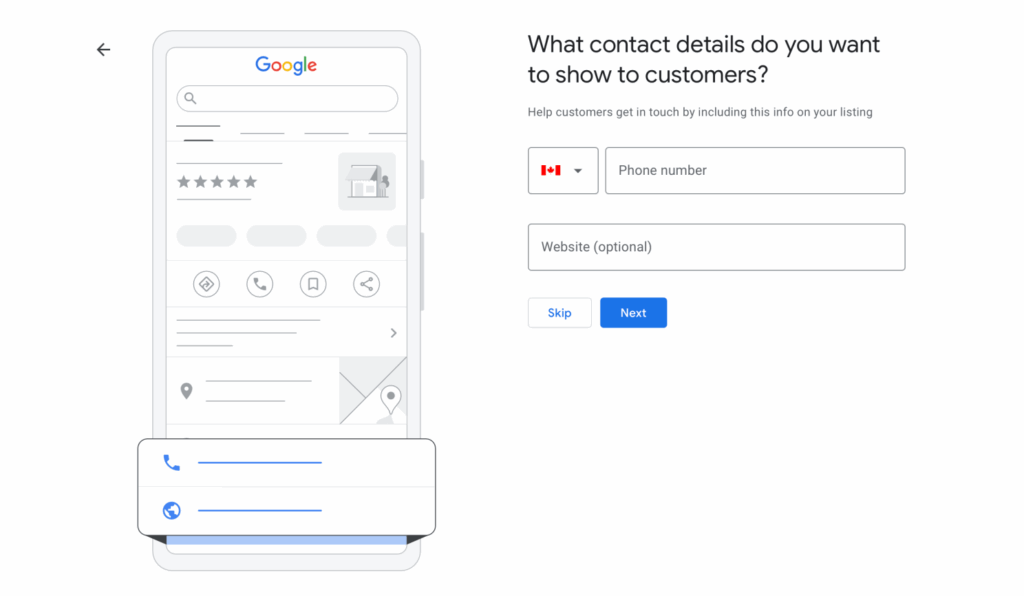
Step 5: Enter Contact Information
Add your address (if you have one).

Add your phone number and website URL (if you have one). This will make it easy for customers to call or click directly from your Google Business Profile.
Step 6: Verify Your Business
Verification options vary by business location and industry, but when verifying your business, you will be presented with the following options:
- Video: Check out this Map Labs guide on video verifying your Google Business Profile.
- Postcard: Google mails a code to your business address
- Phone: Some businesses can verify instantly via automated call or text
- Email: Less common, but sometimes available
Enter the code once it arrives, and your Google Business Profile will go live.
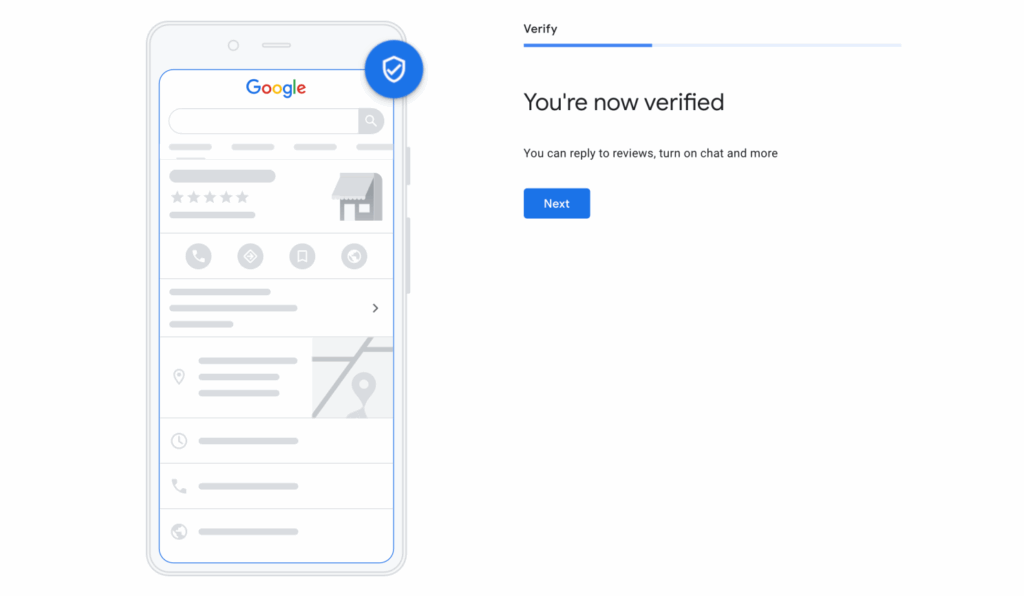
Step 7: Optimize Your Google Business Profile
Once verified, don’t stop there. Fill out everything else to increase your chances of showing up in relevant searches:
- Business hours (and holiday hours)
- Photos of your storefront, products, team, or menu
- Business description clear, concise, and keyword-aligned
- Attributes like “Wheelchair accessible,” “Outdoor seating”
- Q&A section (answer customer questions)
- Review requests (start asking happy customers to leave reviews)
A complete profile doesn’t just show up more often—it gets chosen more often.
In 2025, local search isn’t about your website but your Google Business Profile. This is what shows up when customers are ready to act: to call, visit, book, or buy. It’s where they read reviews, see photos, and make split-second decisions.
Getting your profile right from the start is one of the easiest and highest-impact steps you can take for local visibility.
What Next?
Short on time or want it done right the first time? I set up Google Business Profiles for SA brands—no BS, done-for-you, optimized to stand out and win local searches. Contact me today.